 EveryCafe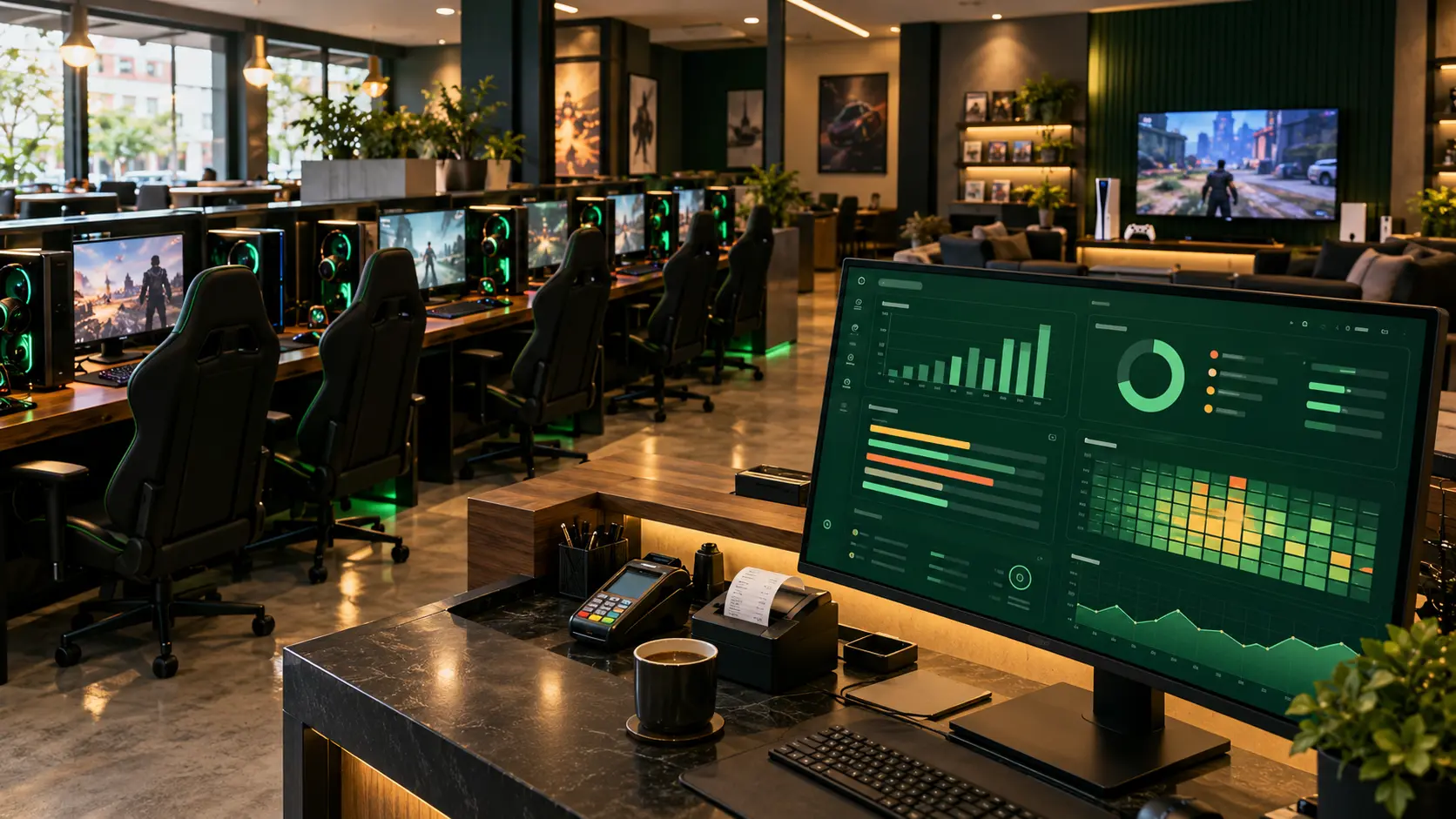
The PCs are busy all day, PlayStation sessions are running, and orders are passing through the till. Your venue may have had a packed day, but do you know which station generated the most revenue? More importantly, is your most-used PC actually your highest-earning PC per hour? Looking only at the day’s till total does not tell the full story. Revenue, station usage, PlayStation income and order performance reveal much more when examined together. EveryCafe Manager helps operators review these figures without having to calculate everything manually.
What does an internet cafe revenue report tell you?
A daily revenue report shows how much your venue generated over a selected period. Understanding the breakdown behind that total can be more useful for improving the business.
Suppose revenue has increased since yesterday. Where did that increase come from?
EveryCafe Manager’s Revenue Report (Percentage) shows the share of each revenue category in the total.
Revenue Report (Time-Based) lets you compare daily changes and review the total, average daily revenue, and the days with the highest and lowest earnings for your chosen date range.
You can see not just how much you earned but where the money came from and how revenue changes over time.
- PC sessions?
- PlayStation sessions?
- Food and drink orders?
- Memberships, tickets or other income?
Which PC or PlayStation station generates more revenue?
Not all stations in a gaming cafe or PlayStation venue perform equally.
Some devices stay occupied for most of the day while others see shorter sessions. High utilization does not necessarily mean high hourly revenue.
EveryCafe’s Station and PlayStation Report lets you analyze earnings and usage by individual device.
Imagine two computers each generated TRY 3,000 in the same period. The first was used for 20 hours and the second for 30 hours. The first earned TRY 150 per occupied hour, while the second earned TRY 100.
Their total revenue is identical, but their hourly performance is different.
Comparisons like these help operators identify efficiently used stations and evaluate pricing options.
Revenue is not the same as profit: electricity, equipment and other operating costs must be assessed separately.
- Total and session revenue
- Order and other transaction revenue
- Total usage time
- Number of sessions
- Share of total revenue by device
- Revenue per hour
How do you calculate station occupancy?
Heavy usage and a high occupancy rate are related but distinct concepts.
To calculate occupancy, compare a station’s total time in use with the total time it was available to customers during the same period.
If a PC is available for 12 hours a day and is actively used for 9 of them, its occupancy rate is 75%.
Account for maintenance, faults and other periods when a device was out of service.
EveryCafe station usage reports provide the usage-duration data needed for this analysis.
How much of total revenue comes from orders?
Internet cafe revenue comes from more than PC or PlayStation sessions.
Food, beverages and other product sales can also make a meaningful contribution.
EveryCafe reports let you examine order revenue as a share of the total and review transactions with filters such as category and cashier.
If PC usage rises on weekends but order revenue does not keep pace, you might explore your product range, prices or ordering process.
That is an opportunity to investigate based on the data, not a decision the report makes for you.
Can you monitor internet cafe reports remotely?
Yes. EveryCafe Web Panel reporting became available with EveryCafe Manager version 1.0.238.
Starting “Transfer History to Web Panel” from the Manager Summary Report screen enables report synchronization. Newly generated data continues to be transferred afterwards.
Owners no longer need to be at the management PC every time they want to inspect a report.
For managers who oversee their venue remotely, this can make day-to-day performance reviews easier.
What should you watch for when interpreting reports?
Choosing the correct date range and filters is essential.
For a full-day revenue calculation, the EveryCafe reporting guide recommends starting at 00:00 on the selected day and ending at 00:00 the following day. This avoids omitting transactions from the final minute.
When comparing periods, consider weekdays versus weekends, holidays, price changes and promotions.
Data becomes meaningful when compared across appropriate periods.
Take a closer look at your venue’s numbers with EveryCafe
A busy floor and a healthy till total alone do not give a complete picture of an internet cafe’s performance.
Looking at device usage, growing revenue categories, order share and hourly earnings together makes strengths and improvement opportunities easier to identify.
EveryCafe Manager brings PC, PlayStation, order and revenue data together in reporting screens to support more informed day-to-day decisions.
Frequently Asked Questions
Answers to common questions about internet cafe revenue and performance reporting:
Can EveryCafe track daily internet cafe revenue?
Yes. You can review daily revenue and the share of different income categories within the total using EveryCafe Manager.
Can PC and PlayStation earnings be viewed separately?
Yes. Station and PlayStation reports provide device-level revenue, usage duration and session information.
Can I identify the station with the highest hourly revenue?
Yes. Station and PlayStation reports include hourly revenue performance figures and summaries.
Can internet cafe reports be reviewed remotely?
Yes. Report synchronization introduced with EveryCafe Manager 1.0.238 lets you review data in EveryCafe Web Panel.
How is station occupancy calculated?
Divide a device’s total time in use by the time it was available to customers in the same period.
Can reports be exported to Excel?
Records on the EveryCafe Manager Reports screen can be exported as CSV files and opened in spreadsheet applications such as Excel.
RELATED EVERYCAFE PAGES
Find out which stations truly drive your venue’s revenue.
Explore EveryCafe Manager